







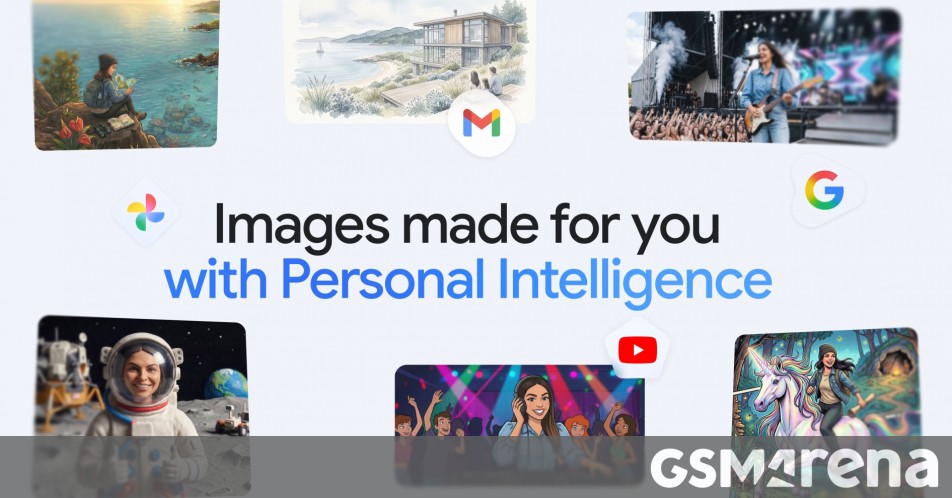
Google’s Gemini can now create more personalized images using Nano Banana 2 and your Google Photos library, which you of course need to connect to Gemini for this to work. The context of your library is integrated into Nano Banana 2 to give you the opportunity to create images with prompts that don’t have to be extremely long and detailed. You can also skip uploading a reference photo to give Gemini some context – having access to your Photos library will provide that instead.
There’s no extra setup required if you use Personal Intelligence in Gemini and have connected your Photos library. So now you can say things like “design my dream house” or “create a picture of my desert island essentials” and the results will feel more personal.
If you tag people in your Photos library you can also ask Gemini things like “create a claymation image of me and my family enjoying our favorite activity” and it will know who your family members are as well as what the activity in question is.
Google says Gemini “might not always pick the exact photo or detail you had in mind on the first try” since this is a brand-new experience. So you can tell Gemini what was incorrect if the result doesn’t look right, or upload a reference photo. You can also find out how your context was applied by clicking on the Sources button. You can even ask Gemini directly about attribution and sources used for a specific image.
Google promises that it doesn’t “directly” train its models on your private Google Photos library – it only trains on “limited info, like specific prompts in Gemini and the model’s responses”, in order to improve functionality over time.
The new personalized image creation experience is rolling out “over the next few days” in the Gemini app to eligible subscribers to the Google AI Plus, Pro, and Ultra plans in the US. It will then make it to Gemini in Chrome and to more users “soon”.