








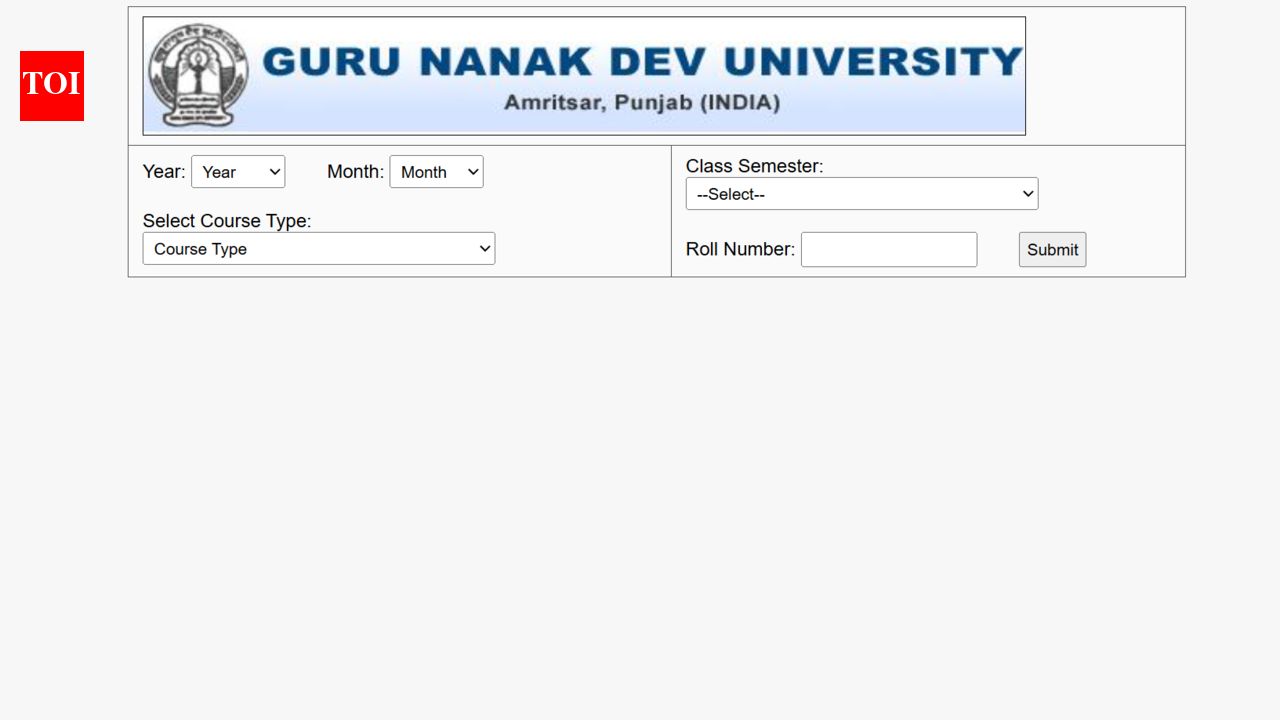
GNDU semester/ annual exam results 2026: The Guru Nanak Dev University has released the semester and annual exam results on the official website, gnduresult.org. The result are covering courses such as BSc, BCom, BA, MA, MCom, and MSc. The university has published results in PDF format, ensuring accessibility and ease of download. Students need to enter their year, month, course type, semester, roll number, etc to access the scorecards.The Guru Nanak Dev University was established in 1969 and recognised by the University Grants Commission. The university has long positioned itself as a critical academic hub in Punjab.
GNDU result 2026 : Steps to download scorecards
Candidates can follow the steps elucidated here to download the GNDU result 2026 from the official website:
- Move to the official examination portal of Guru Nanak Dev University at online.gndu.ac.in
- On the homepage, locate the “Examination” tab.
- Click on the drop down menu.
- Click on the “Results” tab to access the result dashboard
- Select your respective course (UG/PG) from the list displayed
- Enter required credentials such as roll number or name carefully
- Click on the “Proceed for Result” button to submit details
- View your result displayed on the screen
- Download and save the result PDF for future academic use
Candidates can click on the link here provided to download the GNDU result 2026.Aspirants are advised to stay tuned to the official website to get the complete details of the GNDU result 2026.