
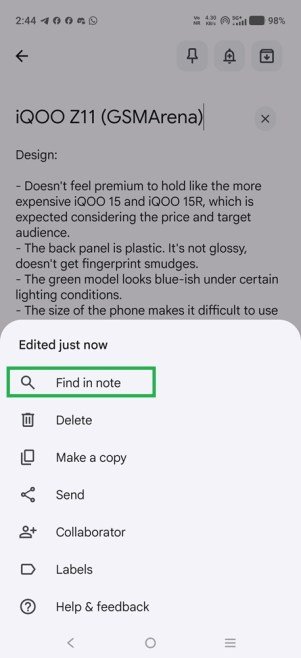
Last year, Google began working on a feature called “Find in note” for Google Keep on Android, which lets users search within notes. The feature is now rolling out to all Google Keep users on Android.
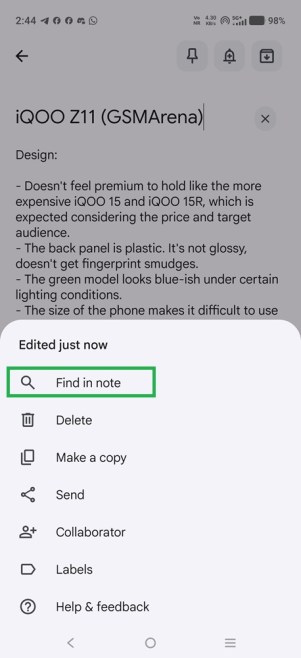
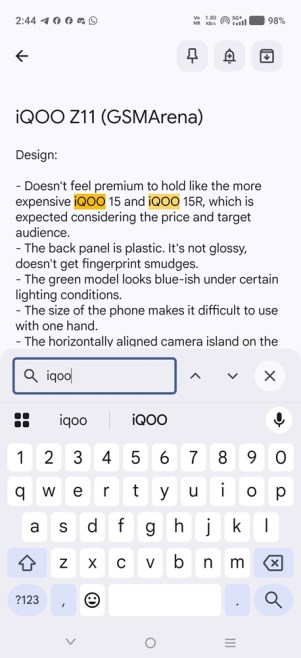
To search within a note in Google Keep, open the note, tap the three-dot menu button in the bottom-right corner, tap on the “Find in note” option, and enter what you want to find. Your search term will appear highlighted in yellow throughout the note. It’s similar to pressing Ctrl+F on a PC.
Google Keep for Android gets “Find in note” feature
The “Find in note” feature likely rolled out as a server-side update, since the author of this article received it in India for all their Google accounts across all Android devices running Google Keep version 5.26.301.00.90, which isn’t the latest version. So updating Google Keep on your Android device to the latest version (5.26.331.02.90) doesn’t guarantee that you’ll see the “Find in note” option inside a note. You’ll have to wait.