
During its yesterday’s event in Malaysia, Huawei introduced the Pura 90s series along with the FreeClip 2 S and MatePad Air (2026). We had our chance to meet the devices in person, so here’s a quick rundown of the updated MatePad Air for this year.
MatePad Air (2026)
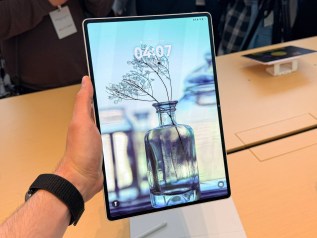
Just like its predecessor, the MatePad Air (2026) features a 12-inch display, but instead of a plain old IPS LCD panel, the newer Air swaps it out for a brighter OLED one with a 144Hz refresh rate. What’s more, the screen features Huawei’s PaperMatte coating that makes it look like paper. Reflections are reduced, making the screen ideal for reading, not just for multimedia consumption.
Speaking of multimedia, the device is equipped with 6-array stereo speakers for a proper listening experience.
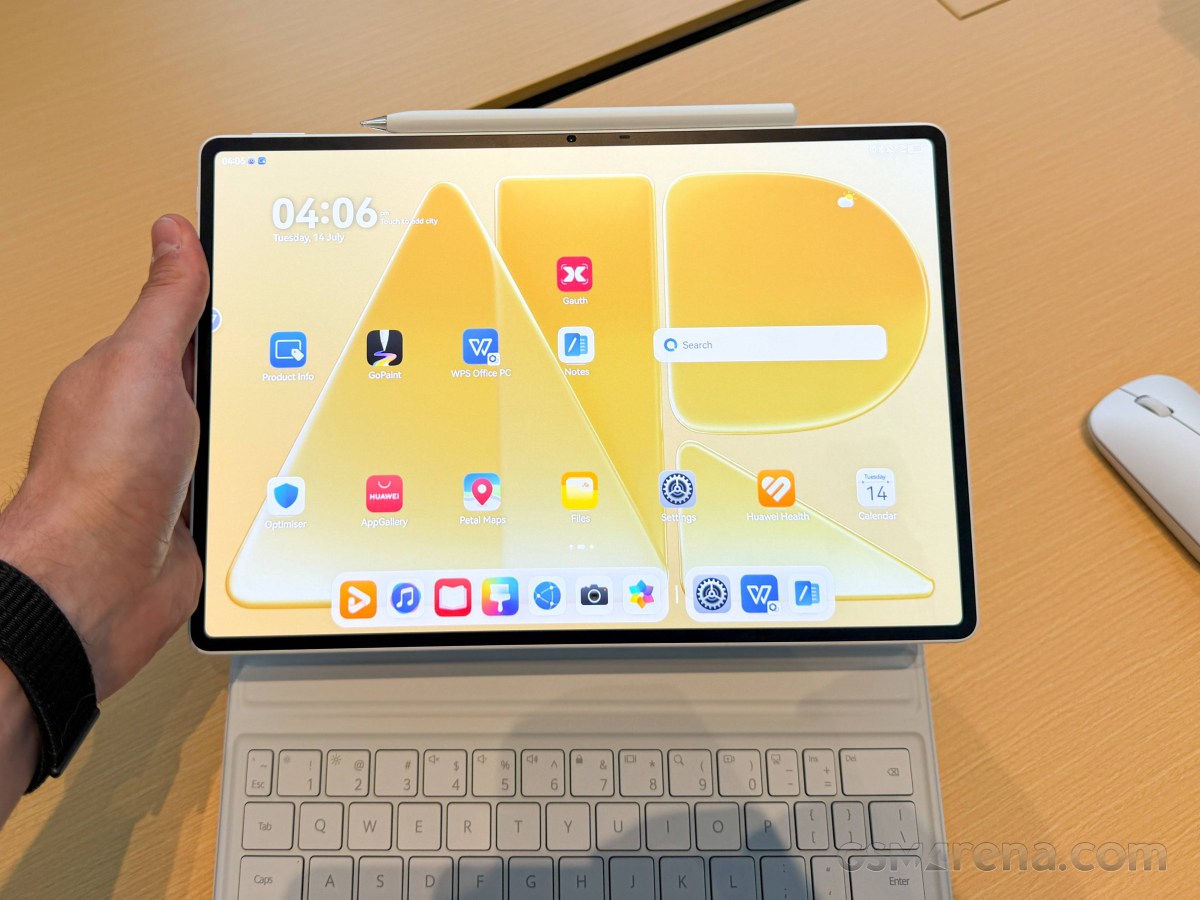

With this feature, Huawei brings the otherwise more affordable MatePad Air closer to the higher-end MatePad Pro lineup, which boasts the same PaperMatte display.
The Kirin T93C SoC is doing all the number crunching and is paired with either 8GB of RAM or 12GB of RAM, while storage is only 256GB. There are no other options.
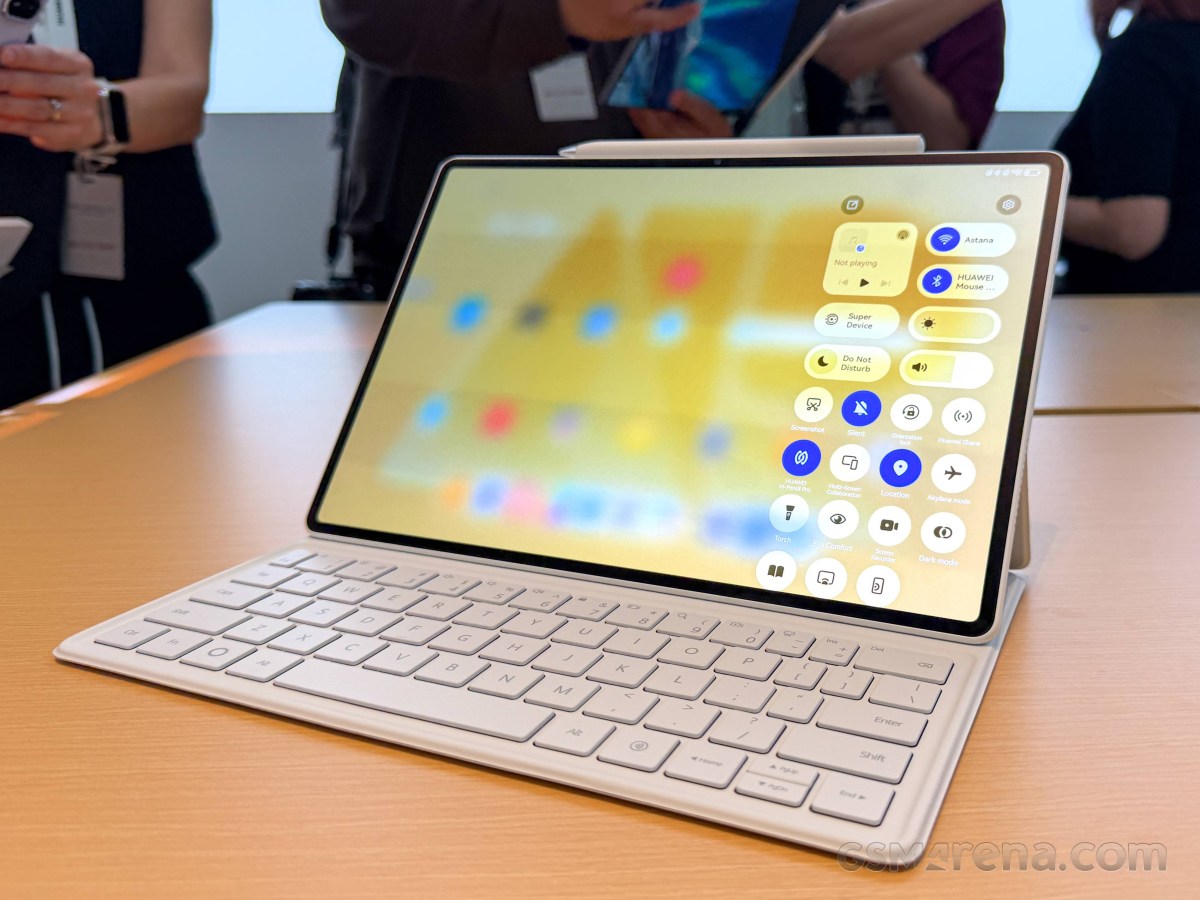
The T93C chipset is good enough for some AI-powered Pro features, going by Huawei’s words.
The cameras on the back are cut in half; now only the 50MP main snapper remains. Gone is the 8MP ultrawide camera from the previous generation, but we don’t think it will be missed. The front houses a 12MP shooter.
The whole system is powered by a generous 10,100 mAh battery, supporting 66W fast charging.
MatePad Air (2026)

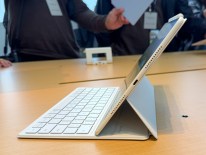
Despite being a 12-inch tablet, however, the Air, as the name implies, is pretty thin and lightweight. It measures just 5.3mm in thickness and tips the scales at 509 grams. That’s nearly 50 grams of weight reduction compared to the previous model.
The available colors are Sakura Pink, Airy Blue and White.
As usual, the tablet supports Huawei’s accessories like a detachable keyboard, which you get with almost every bundle at launch, and the M-Pencil Pro, which allows a handful of smart features like the Air Mouse functionality. You can swipe and interact with the contents on the screen from a short distance without even touching the display.