
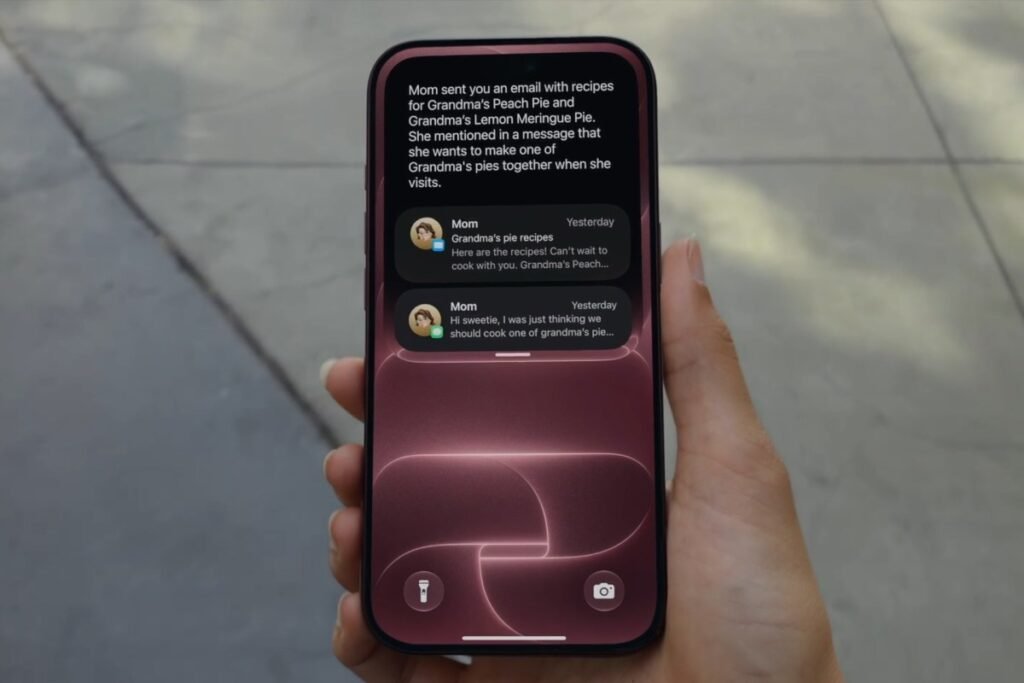
Apple is rolling out iOS 27 to users today. This update brings a host of improvements, including refinements to Liquid Glass, up to 30% faster app load times, revamped Spotlight, Photos, and Mail search functionality, and Apple’s revamped Siri AI.
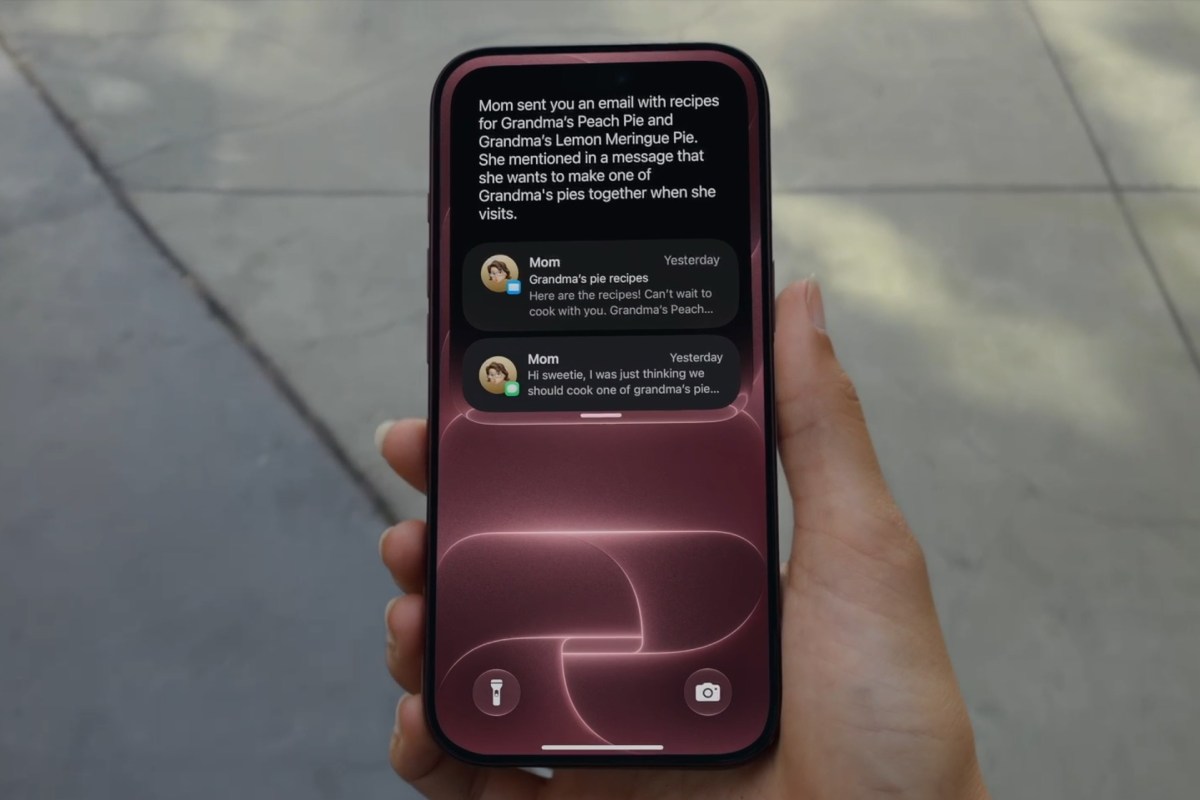

Siri AI is rolling out in Beta with English-only support and will not be available initially in the EU. Support for French, Japanese, Korean, Portuguese, and Spanish is coming in October. Alongside iOS 27, Apple is also now seeding iPadOS 27, macOS 27, watchOS 27, and visionOS 27 to compatible devices.
For more details on iOS 27, check out our announcement coverage from WWDC 2026.
As usual, the update went live at 10AM PT/1PM ET/5PM UTC time to millions of users around the world at the same time. To help you navigate the update cycle, we’ve gathered all eligible iPhones that will run iOS 27.
List of supported iPhones on iOS 27:


Apple iPhone 18 Pro • Apple iPhone 18 Pro Max • Apple iPhone Duo

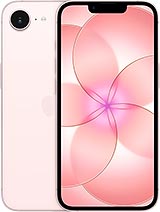
Apple iPhone 17 • Apple iPhone Air • Apple iPhone 17e
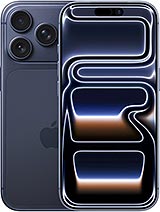

Apple iPhone 17 Pro • Apple iPhone 17 Pro Max
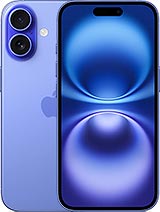

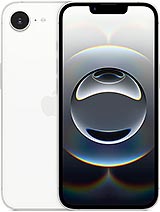
Apple iPhone 16 • Apple iPhone 16 Plus • Apple iPhone 16e
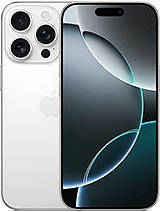

Apple iPhone 16 Pro • Apple iPhone 16 Pro Max

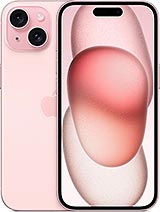
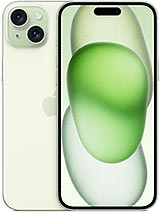
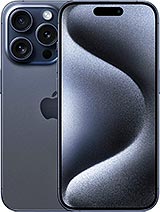
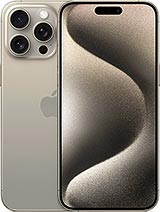
Apple iPhone 15 • Apple iPhone 15 Plus • Apple iPhone 15 Pro • Apple iPhone 15 Pro Max
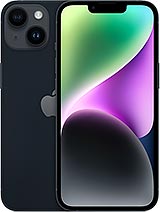
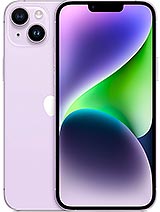
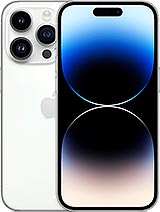
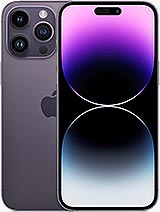
Apple iPhone 14 • Apple iPhone 14 Plus • Apple iPhone 14 Pro • Apple iPhone 14 Pro Max
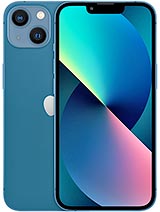
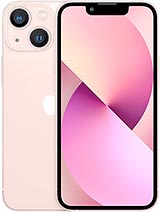
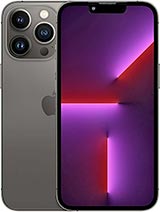
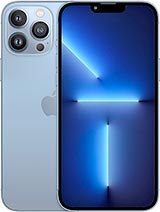
Apple iPhone 13 • Apple iPhone 13 mini • Apple iPhone 13 Pro • Apple iPhone 13 Pro Max
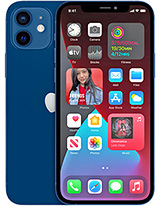
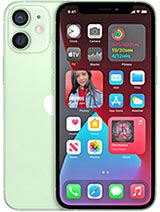
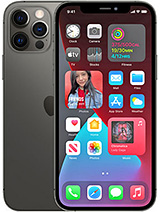
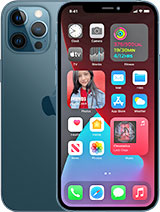
Apple iPhone 12 • Apple iPhone 12 mini • Apple iPhone 12 Pro • Apple iPhone 12 Pro Max

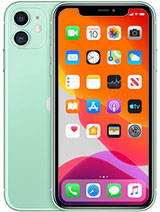
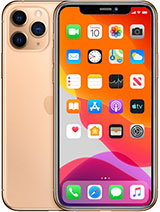
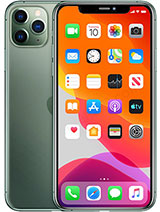
Apple iPhone 11 • Apple iPhone 11 Pro • Apple iPhone 11 Pro Max
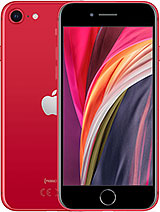
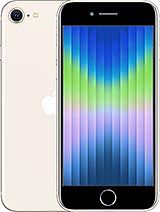
Apple iPhone SE (2020) • Apple iPhone SE (2022)
iOS 27 supports the exact same list of devices as iOS 26. This means it is available for iPhones going back to 2019 (iPhone 11 series or newer). As usual, with iOS updates, it may take some time to appear on your device, as it is being seeded to millions of users at the same time. You can head to Settings -> General -> Software Update and check if the iOS 27 update is available.