






While smartphone makers flocked to the Snapdragon Summit to reveal phones with the new flagship chipsets, Microsoft picked a chip from earlier this year, the Snapdragon X2 Plus, to power two new Surface devices.
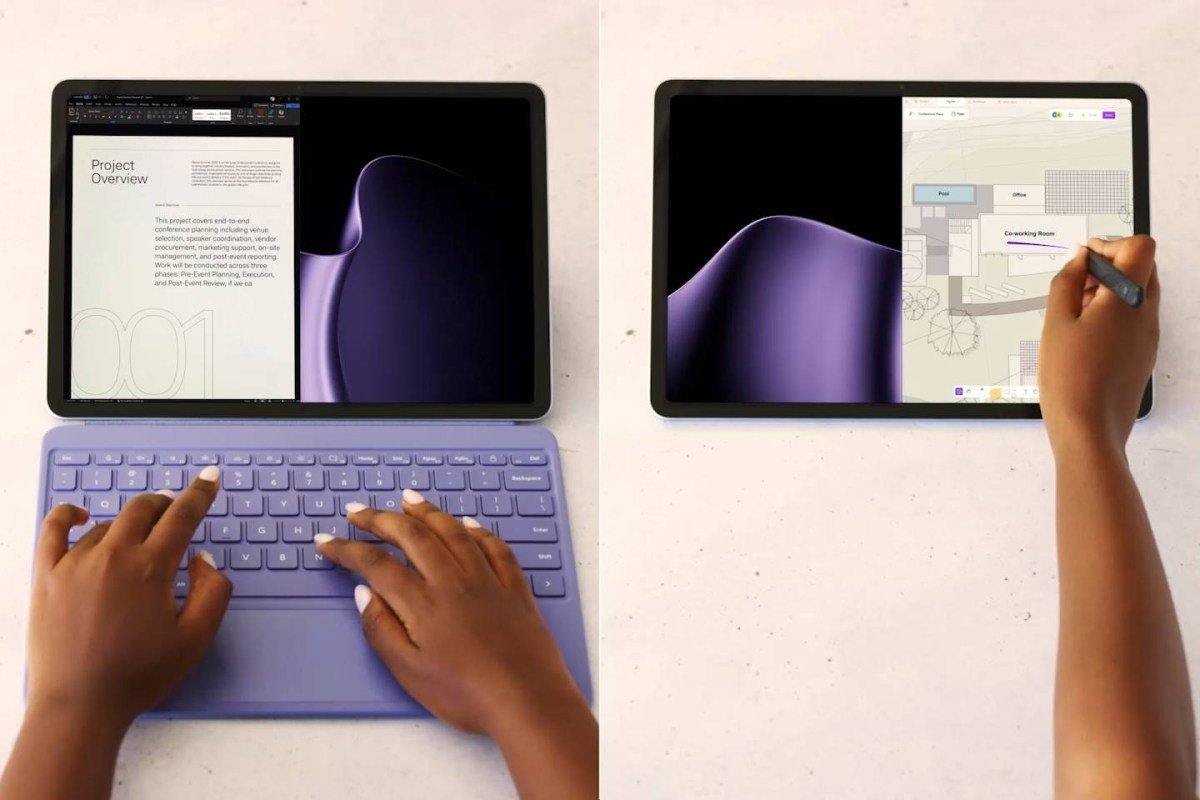
Starting with the Microsoft Surface Pro 12” (2nd edition), this is a highly portable 12” Windows on ARM tablet with a 2,196 x 1,464px (3:2) PixelSense LCD and 90Hz refresh rate. Besides regular touch input, it also supports the optional Surface Slim Pen (which can detect 4,096 levels of pressure).
The Surface Pro 12” supports touch and stylus input
Microsoft also introduced Ink Canvas, an AI-powered, pen-first app for sketching, planning and designing. While the typical AI use-case is to generate images from text, Ink Canvas goes the other way – it turns your sketch into text.
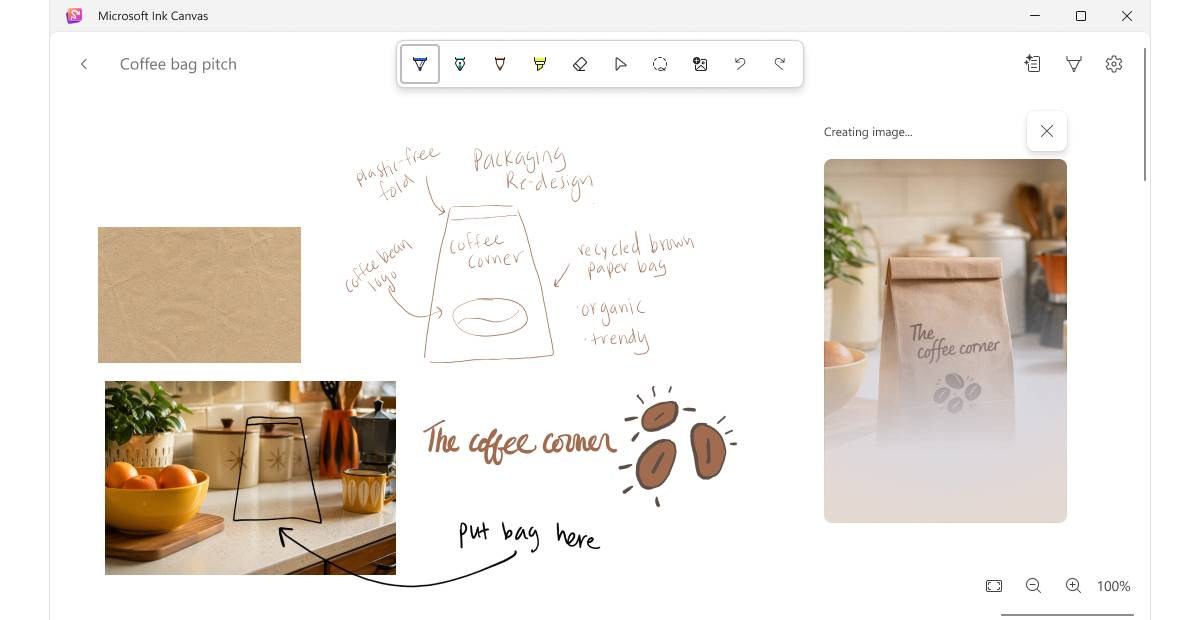
Microsoft Ink Canvas
Naturally, the Surface Pro 12” supports a keyboard cover, but, like the stylus, it is sold separately.
The tablet is powered by a passively cooled Snapdragon X2 Plus with a 6-core CPU and an 80 TOPS NPU for on-device AI. The tablet can be configured with 16GB or 24GB of RAM and 256GB or 512GB of storage (UFS).
Microsoft says that compared to the previous Surface Pro 12” (which used the original Snapdragon X Plus), the Snapdragon X2 Plus offers 17% faster Office productivity, 18% more efficient battery use, 60% faster graphics and a whopping 95% faster local AI inferencing.
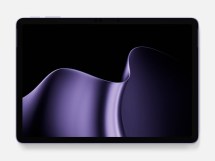
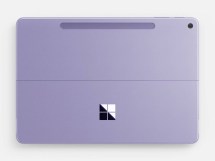
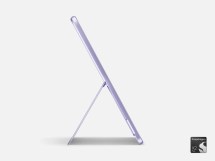
Microsoft Surface Pro 12”
The built-in battery promises up to 15.5 hours of video playback or up to 11.5 hours of “active web usage”. It is recharged over one of the two USB-C ports (both USB 3.2) with a charger up to 45W (but you have to get your own charger). With DisplayPort 1.4a, the tablet can drive two 4K @ 60Hz monitors. For wireless connectivity, there is Wi-Fi 7 and Bluetooth 5.4.
The tablet weighs 686g (1.5lbs) and measures 7.8mm (0.3”) thick.
The Microsoft Surface Pro 12” (2nd edition) starts at $1,150 – you can find it on Microsoft.com. The 16/512GB model is $1,250 and the 24/512GB model is $1,450. There are three color options: Platinum, Black and Violet.
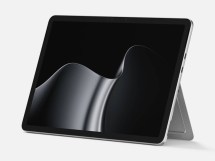
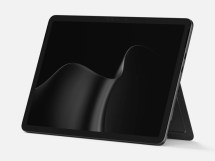
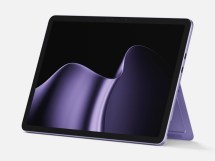
Microsoft Surface Pro 12” in: Platinum • Black • Violet
The Microsoft Surface Laptop 13” (2nd edition) features an aluminum body with a color-matched keyboard and a next-gen haptic feedback trackpad.
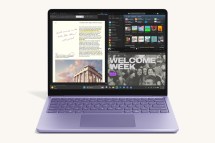
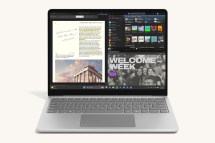
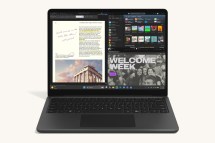
Microsoft Surface Laptop 13” in: Violet • Platinum • Black
The slightly larger 13” display is a PixelSense LCD with 1,920 x 1,280px (3:2) and 60Hz refresh rate and touch support. The display has 500 nits max brightness and is protected by strengthened glass. Like the Surface Pro, there is a 1080p Surface Studio Camera on the display (the tablet also has a 10MP rear-facing camera).
The laptop is also passively cooled, i.e. it doesn’t have a fan blowing over the Snapdragon X2 Plus chip. There are plenty of configurations available ranging from 16/256GB for $1,200 to 24/512GB for $1,500.
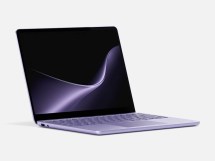
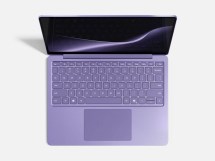
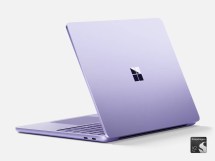
Microsoft Surface Laptop 13” (2nd edition)
The laptop weighs 1,225g (2.96lbs) and measures 17.5mm (0.69”) when closed. It houses a larger battery that promises up to 22.5 hours of video playback.
For connectivity, there are two USB-C (USB 3.2) ports, one USB-A (also USB 3.2) and a 3.5mm headphone jack. Charging is done using the supplied 45W USB-C adapter.
Microsoft also unveiled a new Surface Mouse for $80. It will be available in Black and Platinum in select markets from October 13. The mouse has haptic feedback, which registers on-screen events like a window snapping into place.
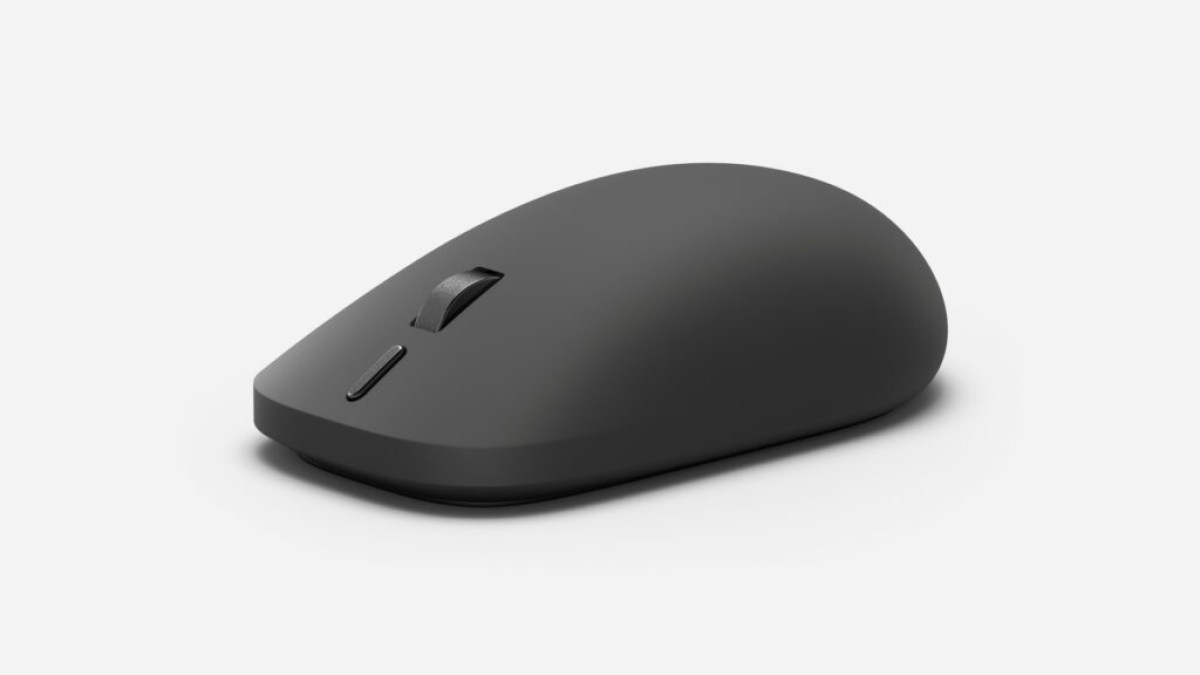
Microsoft Surface Mouse
The mouse has been redesigned for ambidextrous use (so it’s suitable for left- and right-handed people alike) and features a customizable action button for Copilot. The Surface Mouse uses Bluetooth 6.0 and can be paired with multiple devices.