







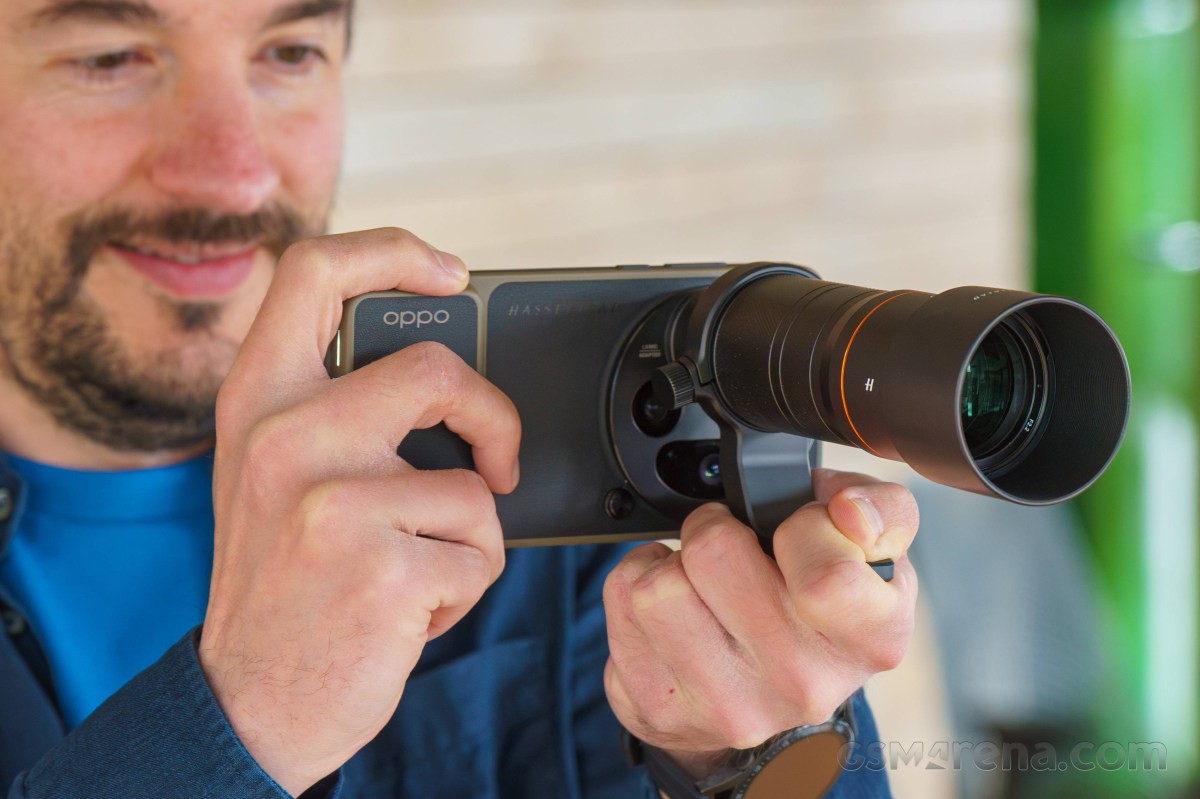
This is the OPPO Find X9 Ultra Hasselblad Earth Explorer Kit, a fancy name for the Find X9 Ultra’s photography kit. But a fancy name is fitting for such a fancy product.
While vivo’s X300 Ultra photography kit attaches either a 200mm or a 400mm teleconverter lens to the phone, the Oppo Hasselblad kit has a single option that sits in between – a 300mm lens. But it’s a longer lens that gets longer still if you use the provided lens hood.
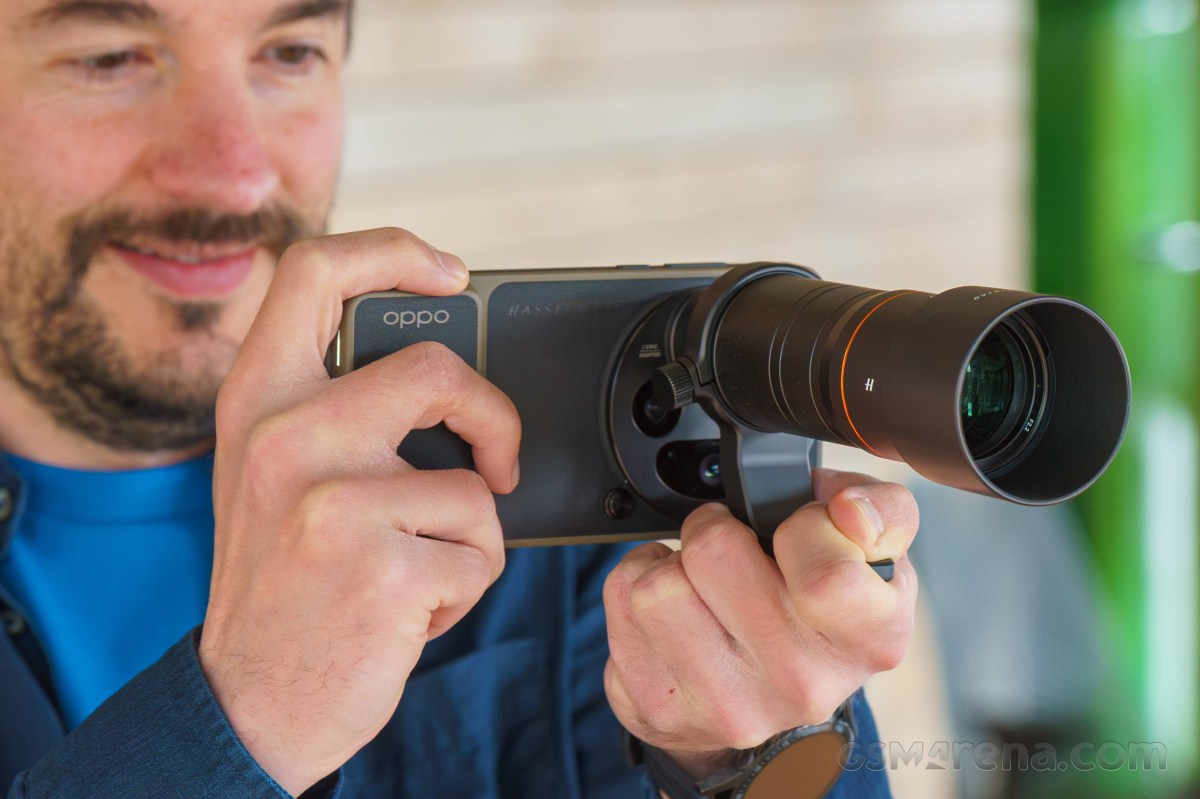
Here’s what’s in the box. You get a case for the phone with a very compact built-in grip; the lens with a body cap, a lens cap, and a lens hood; a filter accessory to attach the teleconverter to the phone; a filter adapter to attach 67mm filters over the quad camera system of the Find X9 Ultra, and a lens collar with a built-in tripod mount.
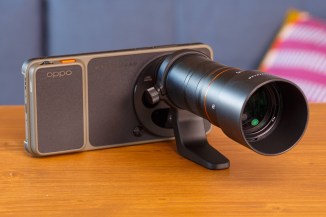
The kit and all its different parts
The tripod collar’s main job is to provide a solid mounting point when you’re using the phone and lens on a tripod. That way, there’s less stress on the point where the lens attaches to the phone.
But the collar is also a handy place to hold the kit when you’re walking.
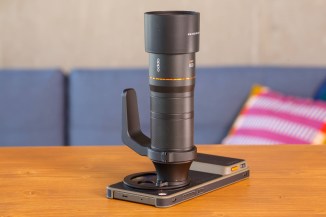
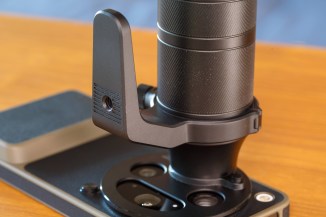
The tripod collar
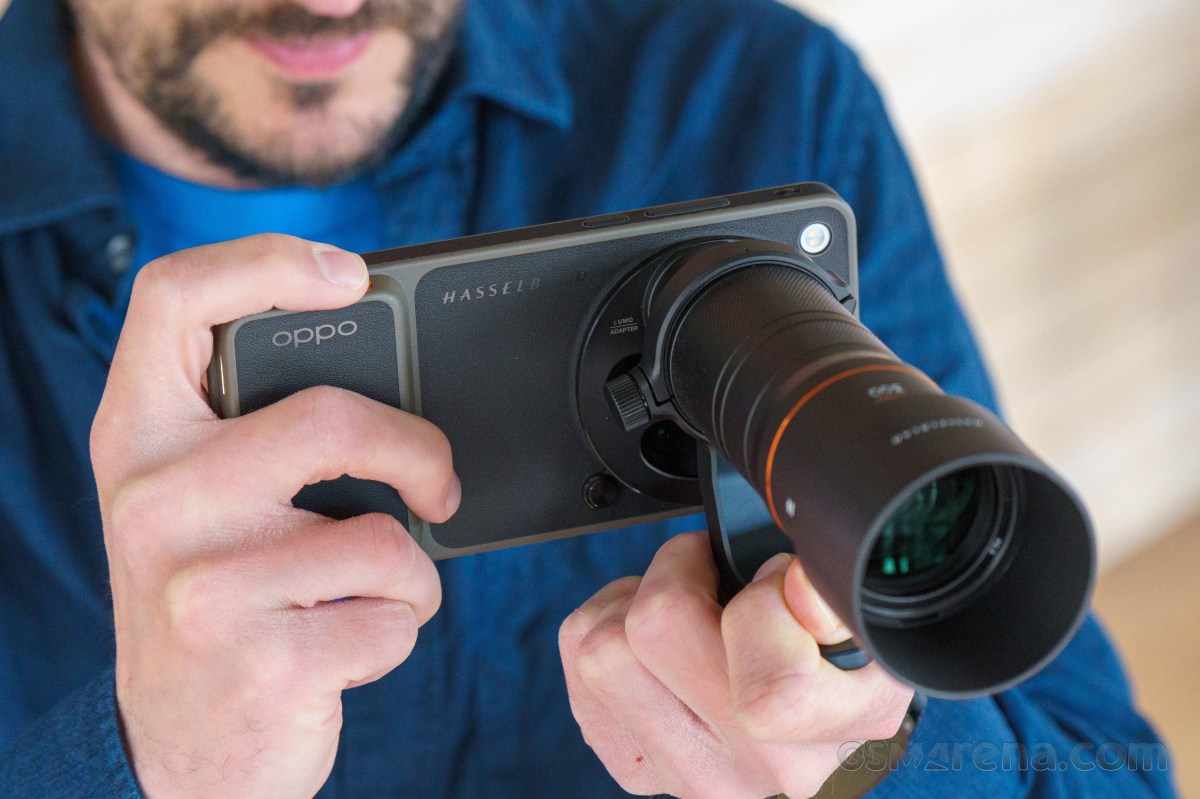
The last point is best illustrated with this sideways shot. The 300mm lens is long.
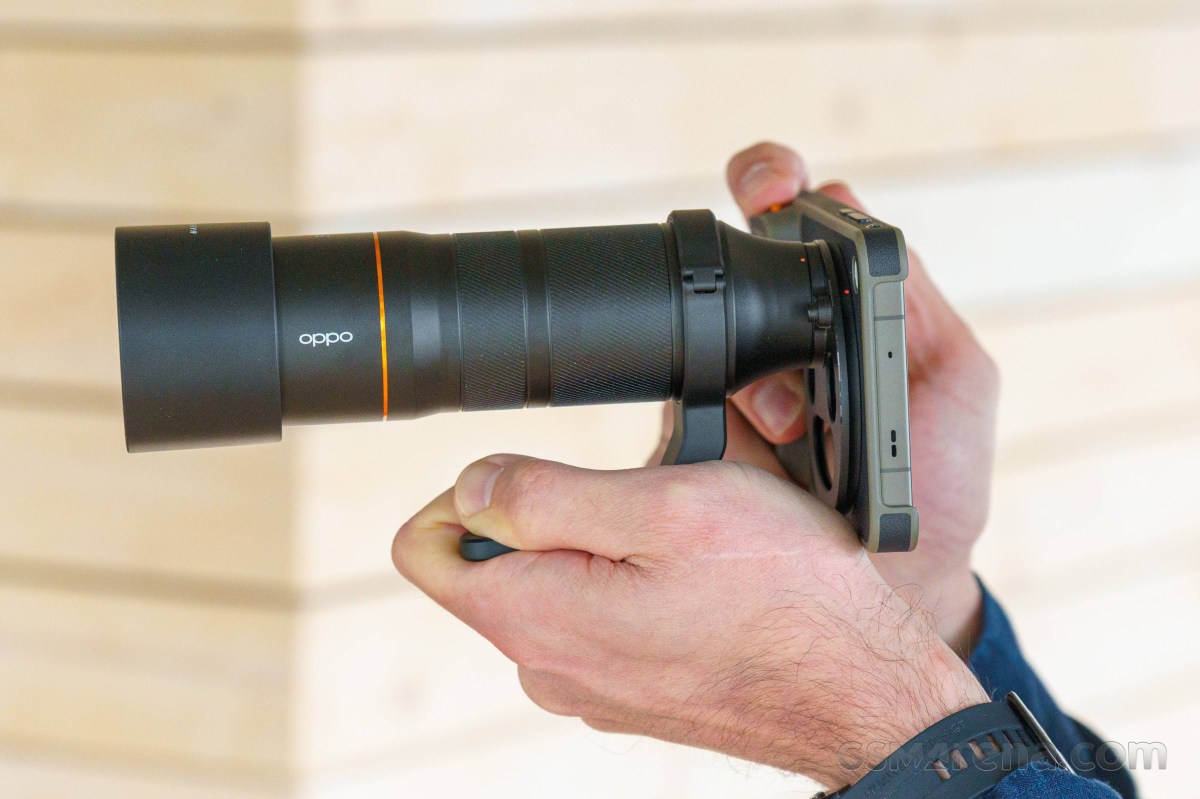
We have to admit that vivo’s X300 Ultra kit feels a bit better balanced, which is mainly down to the shorter teleconverter lenses. The 300mm unit on the Find X9 Ultra is noticeably longer.
However, you can really forget that you’re using a smartphone when you’ve assembled the entire kit. It feels very much like a photography-first accessory.
We also love the smaller grip on the case. It makes it much easier to put the phone in your pocket and use it as normal when you’re out and about, taking photos.
Vivo’s X300 Ultra photography case comes with a huge grip, which is detachable, true, but the point is to have it on the case and ready for action. When assembled, the X300 Ultra’s photography kit is impossible to put back in your pocket.
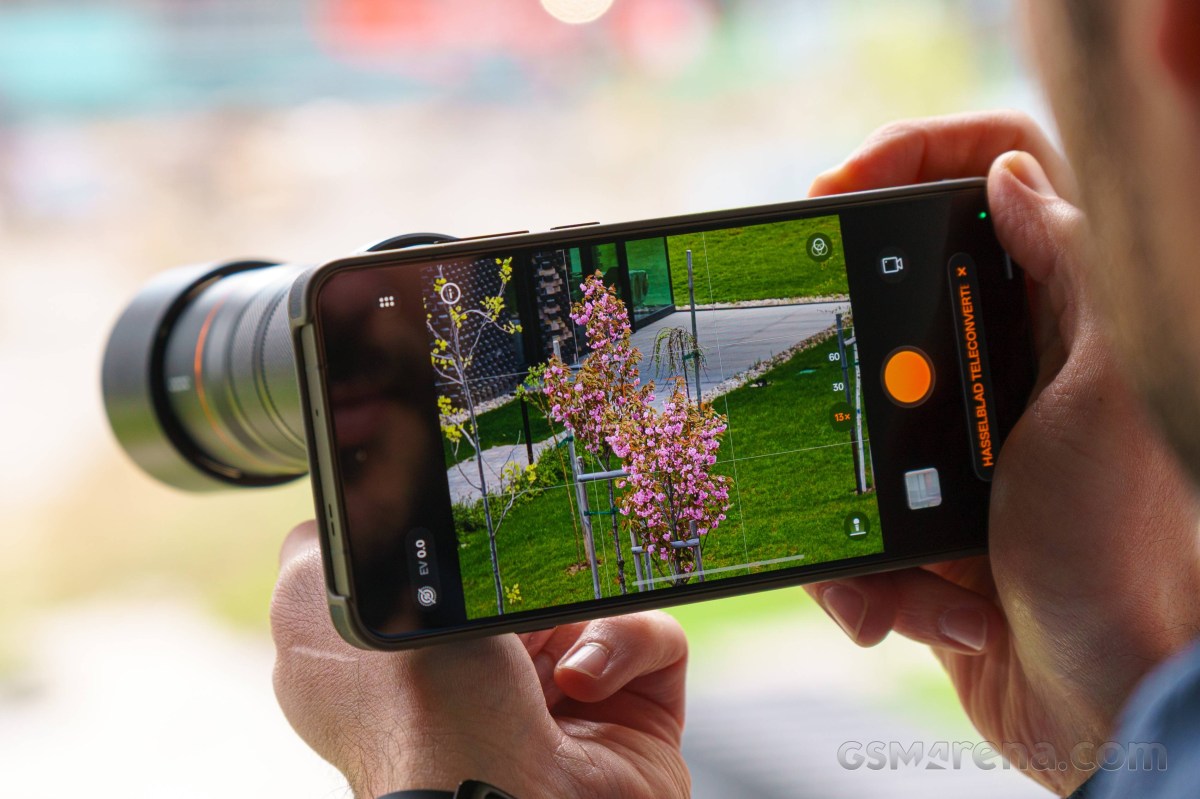
You need to select the special Hasselblad Teleconverter mode in the camera’s mode menu. This is a slightly less intuitive way of doing things compared to vivo’s simple on-screen toggle.
Once in the correct mode, you’ve got three on-screen zoom modes: 13x (native 300mm), 30x (690mm), and 60x (1,380mm). Optically, only the 13x is worth going for. Things quickly fall apart on the texture level at the zoomier options.
Here are some camera samples with the 300mm lens attached. Be your own judges.






The 300mm lens in action