







If you’ve clicked on this article, then you either know all about the TCL P80 Ultra, or at the very least, are interested in its NxtPaper AMOLED display. It’s interesting, so let’s talk about it. Or, just check out our TikTok on it.
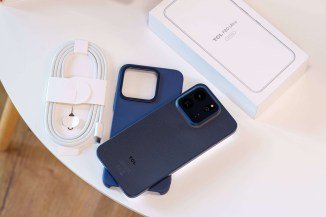
Back? Ok. Where were we? Oh, right, unboxing. In the box, you get the phone, a nice braided USB cable, and a solid case with a textured rear and cutouts for the buttons and ports. This isn’t your basic hard plastic or grey rubber case.
The P80 Ultra ships in either 8/256GB or 8/512GB guise and costs €550 and €600, respectively. We have to say that’s the least amount we’ve seen charged for double the storage for a long time.
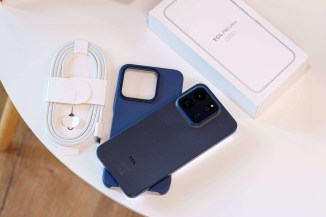
What’s in the box?
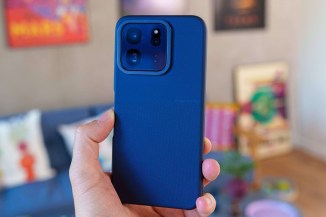
The phone itself also has an air of quality to it. We’ve got the Midnight Blue model, which is very classy, but there’s also a Sunlit Gold and a Burgundy that’s seemingly all the rage these days.
Before we talk about the display, we need to mention that the phone really does feel nice in the hands. It’s very big, thanks to the 6.83-inch diagonal of the screen on the front, and it’s not a thin phone either.
The relatively large 5,800mAh battery is a nice upside to the 8.3mm thickness, however.
We like the fact that the phone is matte all over – back, sides, even the display.
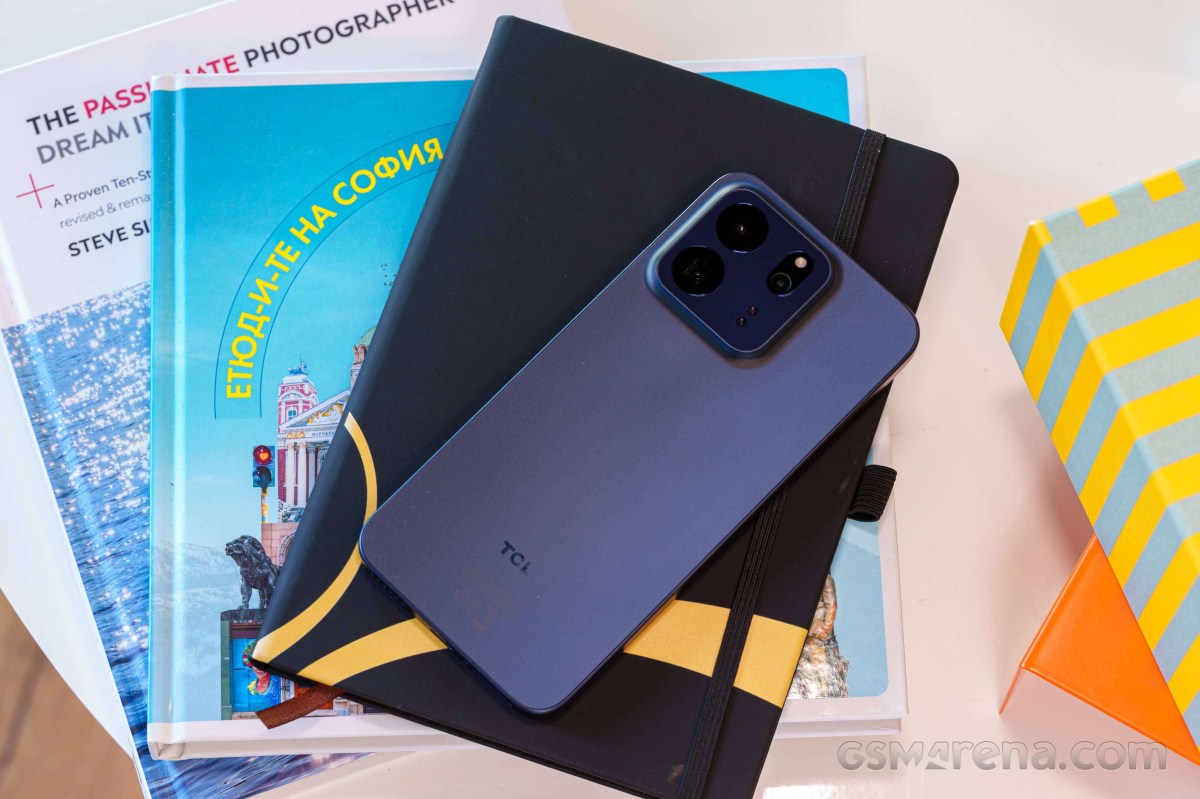
Just looking at the screen in its AMOLED mode, or sliding your fingers on its surface, is a very enjoyable feeling. The matte surface is smoother than a glossy one would be.
The screen is lovely when in its AMOLED setting. It’s a big (6.83-inch) and bright (up to 3,200 nits) panel with a high 120Hz refresh rate. It’s also a 10-bit unit with 1B colors and lovely contrast and color.
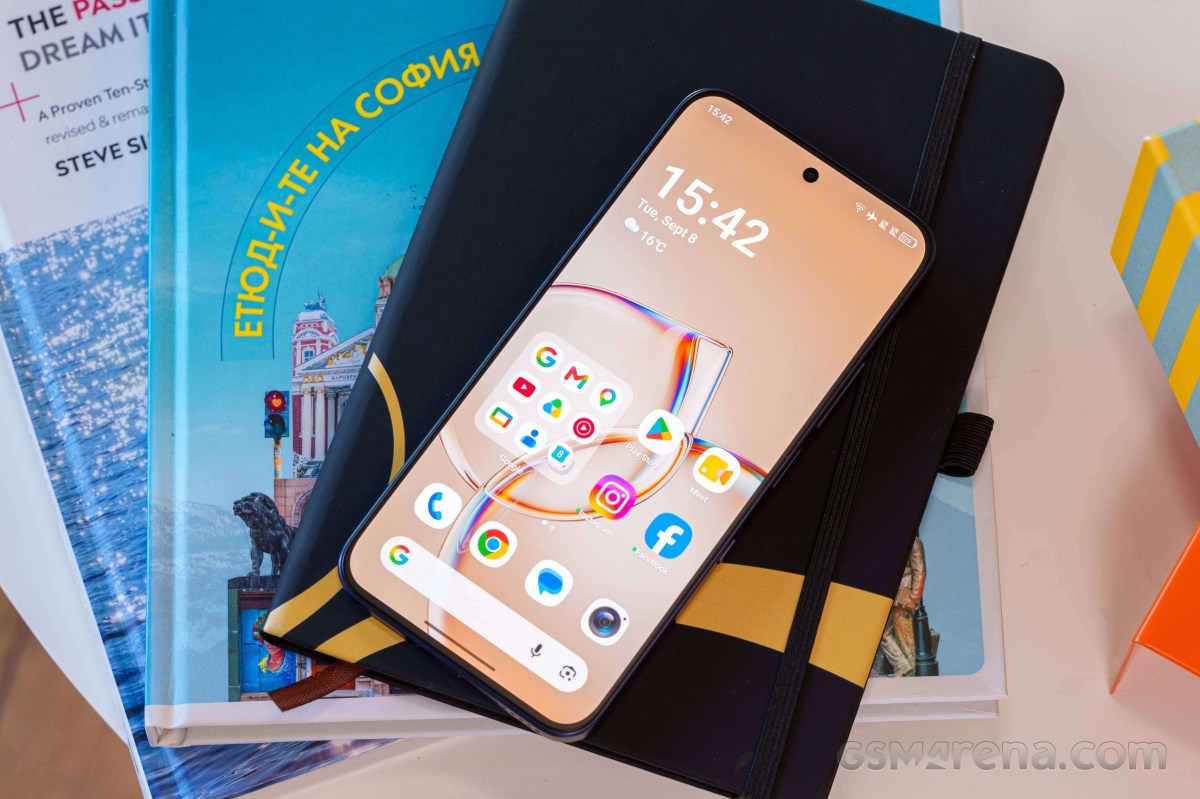
Having an anti-glare finish does diminish its viewing angles compared to a conventional screen, but it’s not a dealbreaker.
And, on a positive note, the screen is considerably less reflective than any conventional glossy panel.
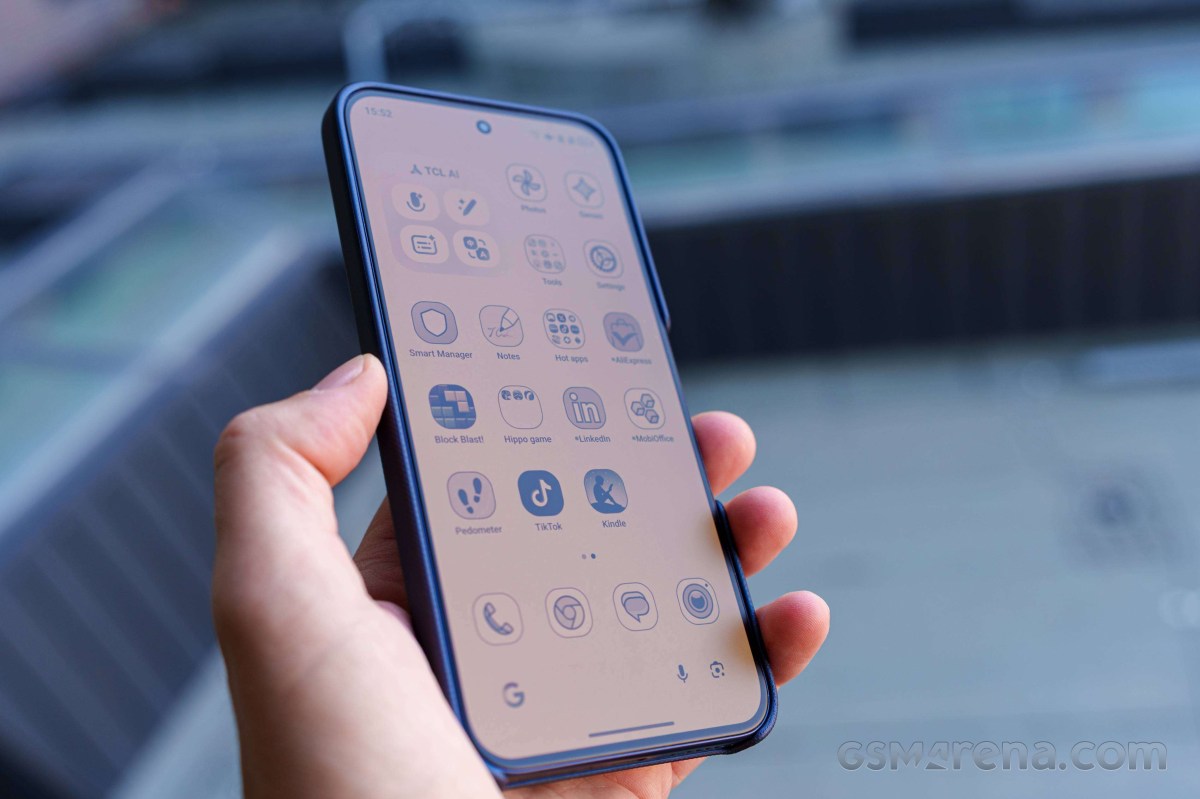
This is the world’s first AMOLED NxtPaper display, and it truly is the best of both worlds. Flip the custom NxtPaper slider on the right side of the P80 Ultra, and you get a choice between Max Ink or Paper Mode. You can make either choice the default for the next time you push the slider.
Both modes enable the NxtPaper display, which is like a Kindle’s e-ink, only fancier. The tones of the screen change to a light sepia, and while colors get mostly desaturated to zero, there’s still some very light hints of red.
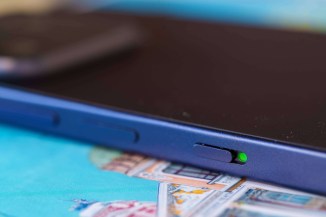
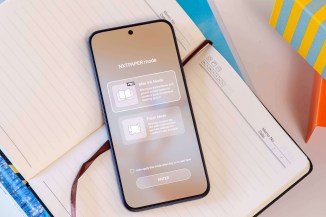
Flip the switch and choose your NxtPaper display
The Max Ink mode is like a digital detox, minimizing distractions and offering you a simple homescreen with just a few basic apps. It kills most notifications (save for calls and texts), and puts background apps to sleep.
This mode also prolongs the phone’s runtime drastically – you get up to 7 (seven!) days of immersive reading. Speaking of, there’s a preloaded reader app with some 500 books on offer for free.
The app is quite the mixed bag – yes, you get access to 500 books in a variety of languages, but no way to sort them or even search them. But then, there are some AI Smarts – you can have AI read you the book, essentially making it an audiobook, or even simulate a podcast from the book (why would anybody, though?).
Paper Mode is basically the phone’s UI, converted to e-ink. Most apps work and look B&W, but open the YouTube app, for example, and the screen reverts to color (it’s a setting).
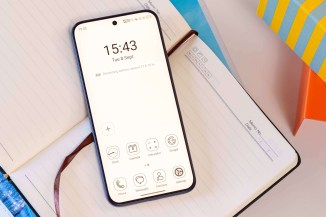
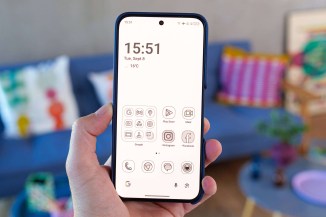
Max Ink or Paper mode
There are some impressive, thought-out things about the NxtPaper experience. First, there’s a cool color-fading-away animation when you flip the slider to NxtPaper mode.
Once in that mode, the phone will light up and unlock when you pick it up – no need to press a button or slide a finger on-screen. It doesn’t automatically lock and turn dark when you put it back down, however, which would’ve been neat.
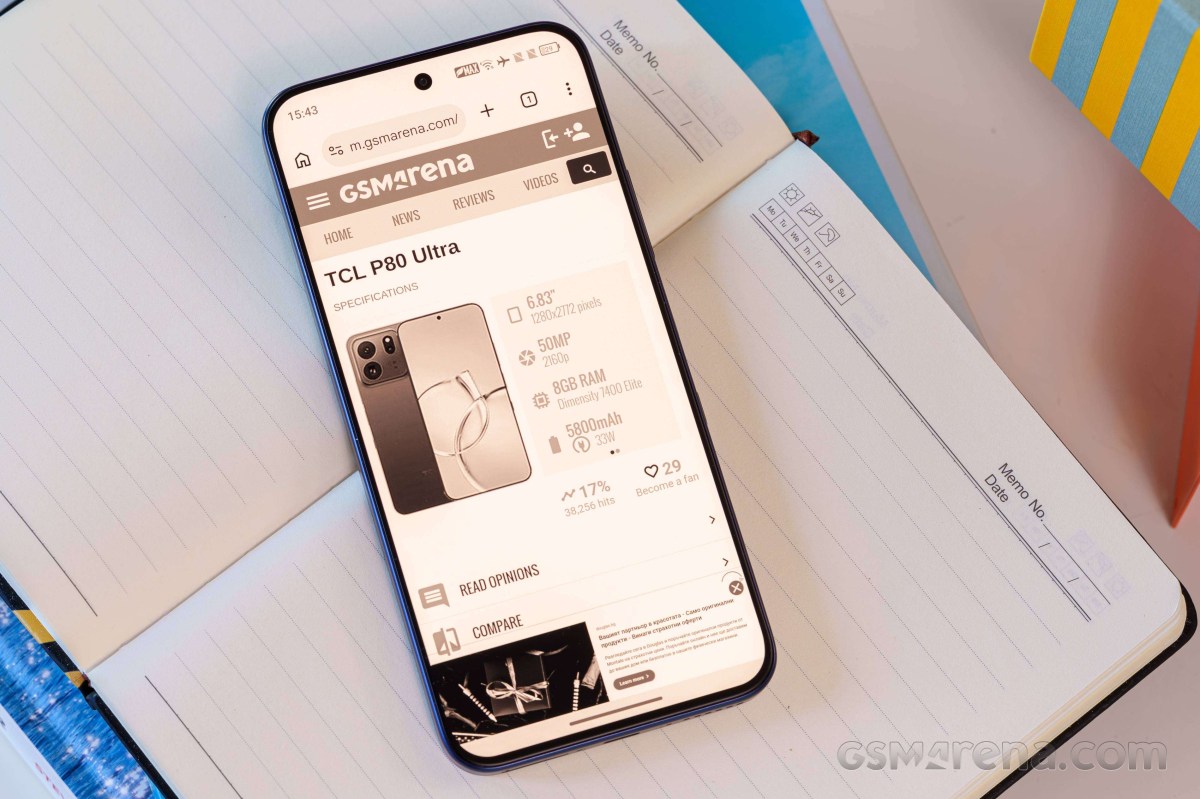
As a phone, the TCL P80 Ultra feels premium and smooth. There’s something in this device as a combination, that makes it feel like it’s punching above its weight.
Yes, it’s all about the display, but as a whole, it’s a very uncompromised-feeling experience.